Liftrun
Build a gym plan around your week
A concept for an AI-powered gym planner. Set your goal, schedule, and equipment, then get a weekly plan you can shape around your routine.
Liftrun / Product concept
A gym plan shaped around real life.
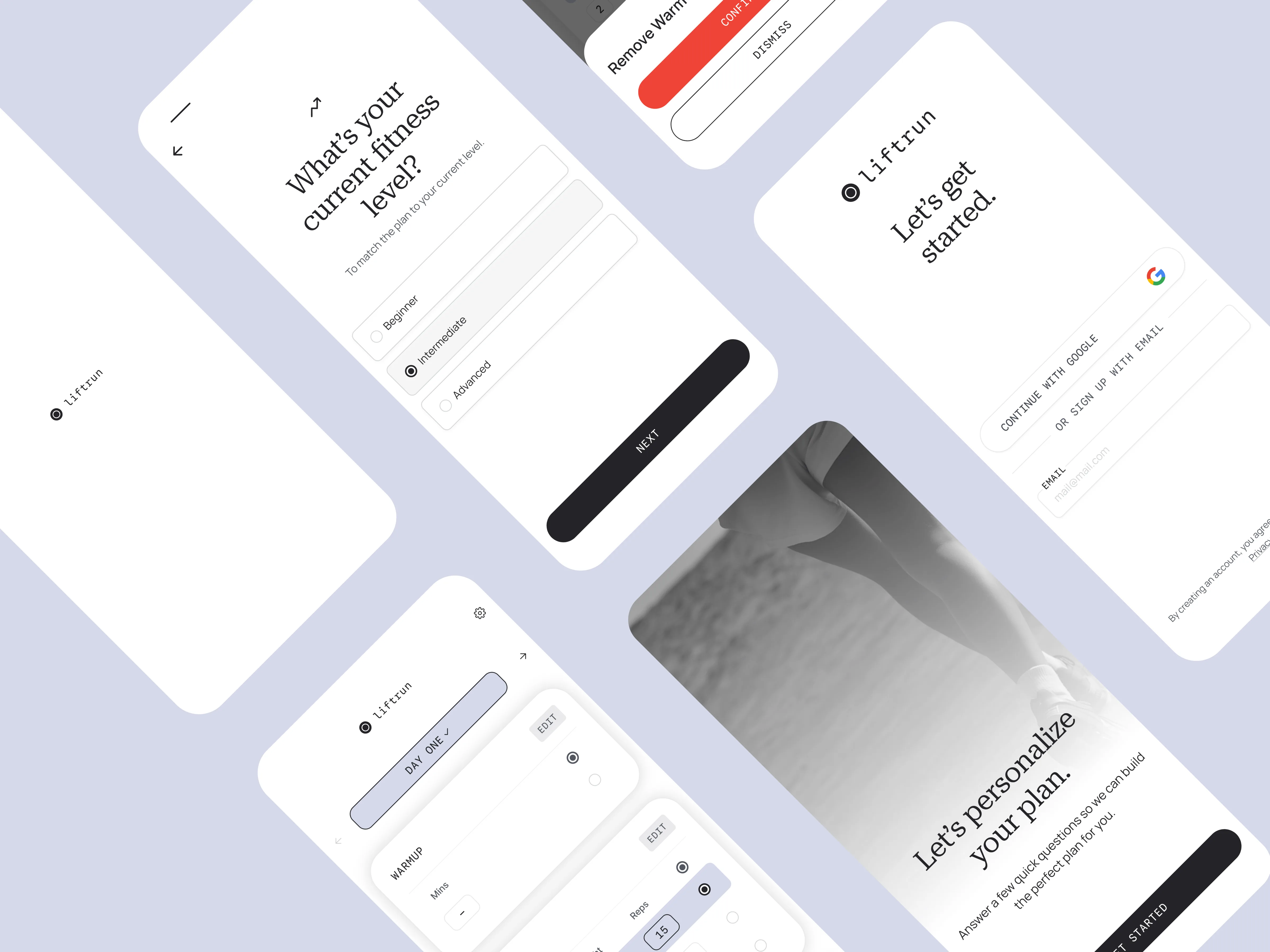
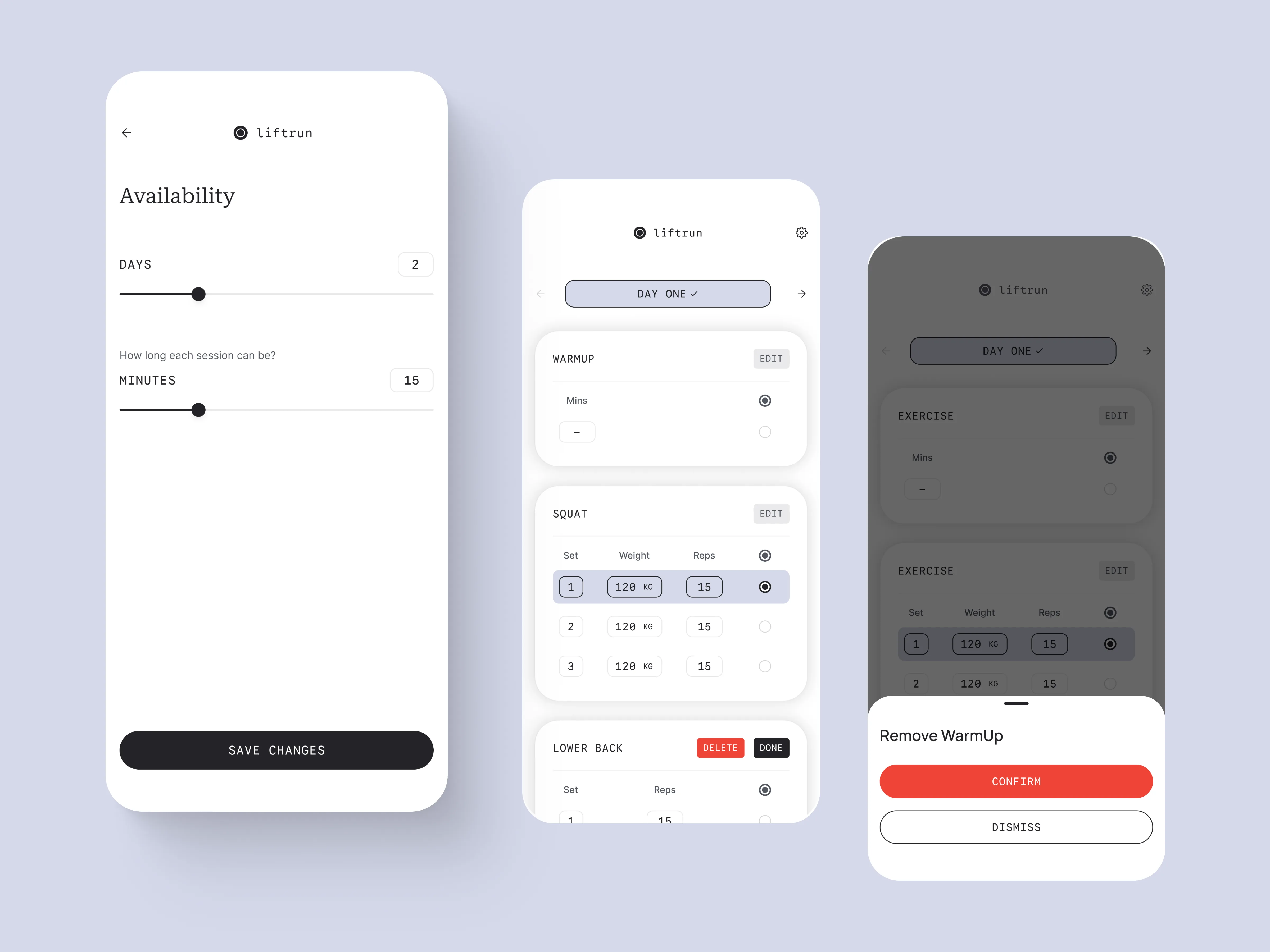
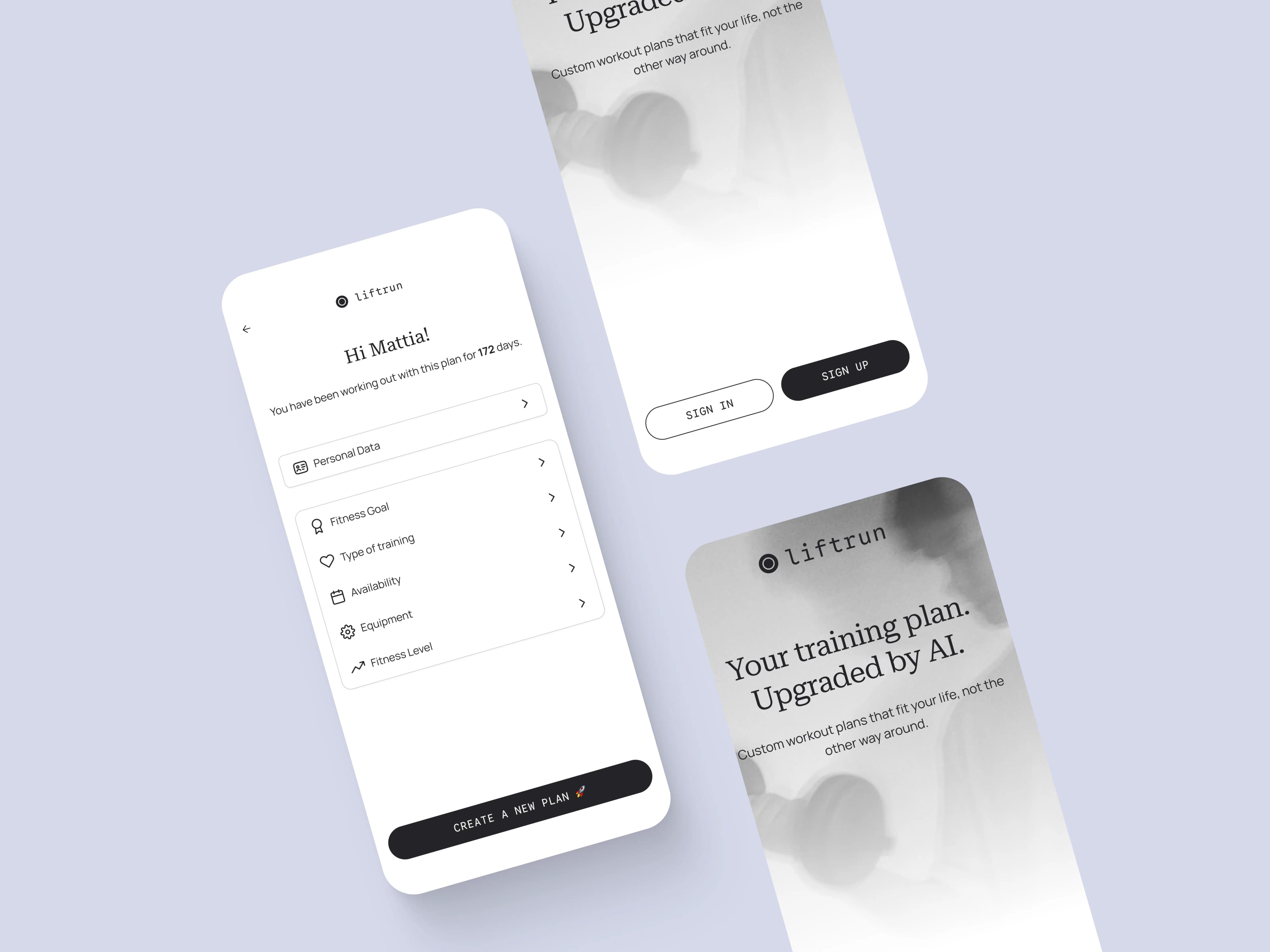
Liftrun explores a simple idea: tell the app what you want to achieve, when you can train, and what equipment you have. It turns those answers into a weekly gym plan you can review and adjust.
How it came together
Ask, build, adjust
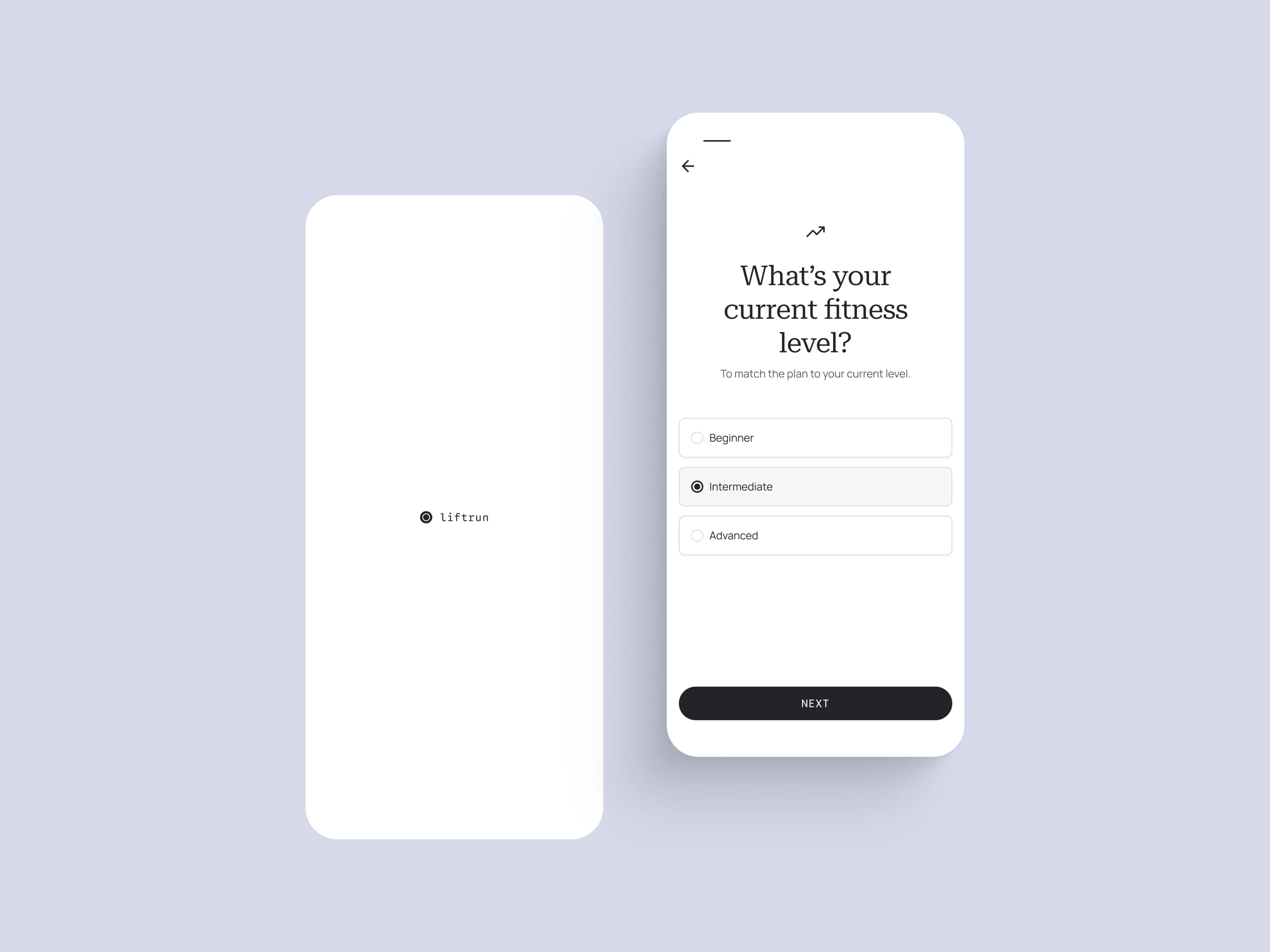
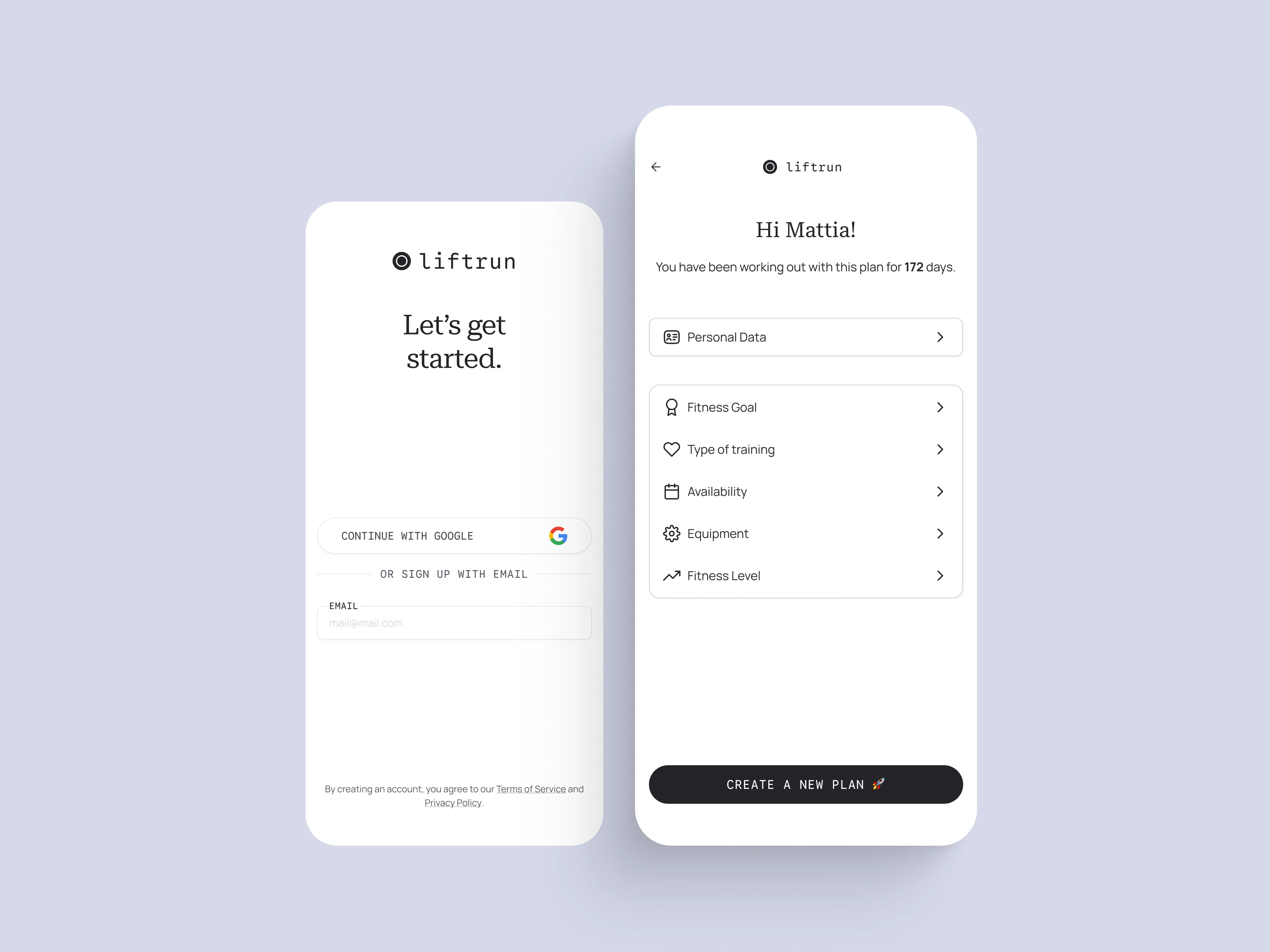
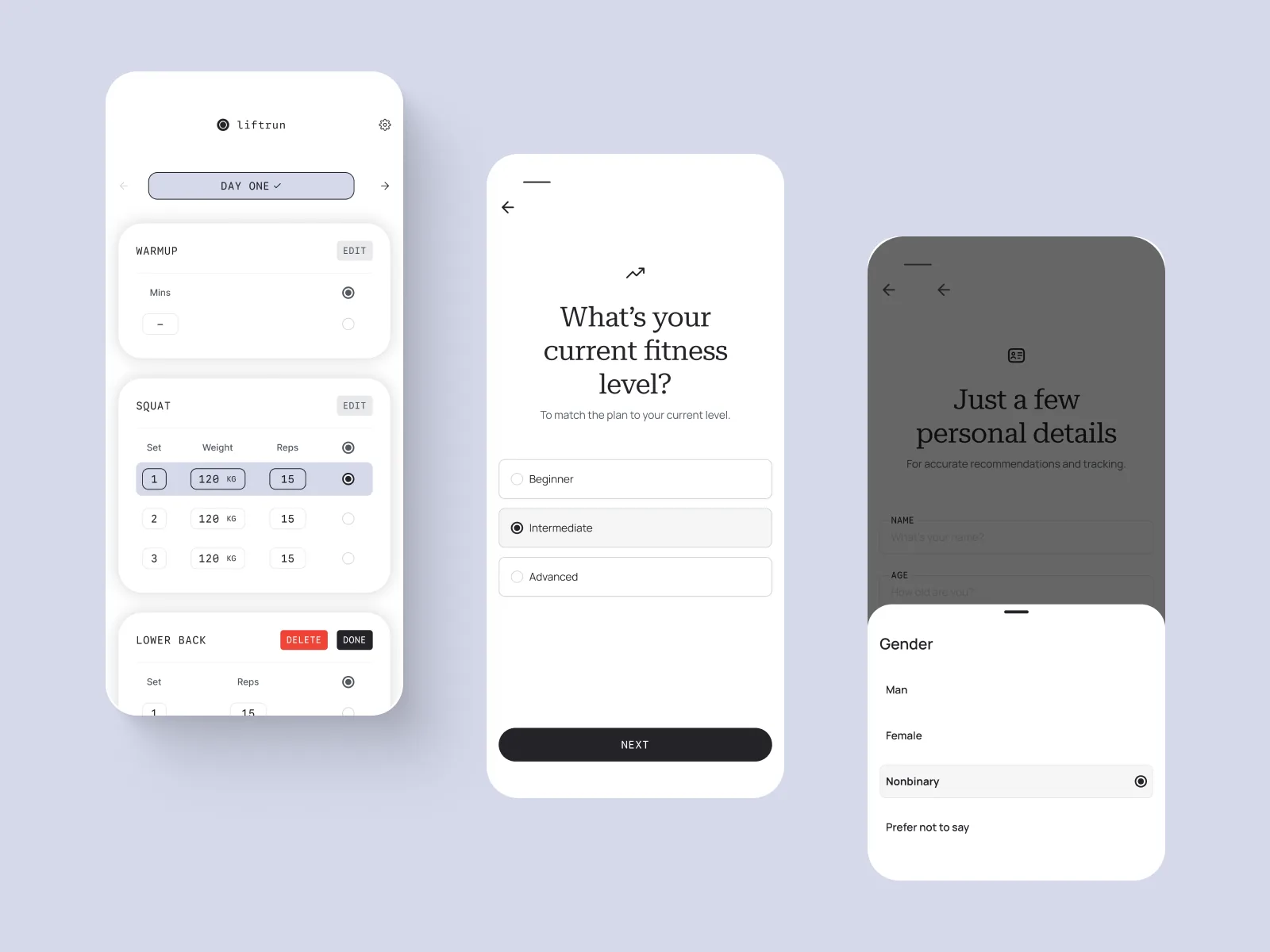
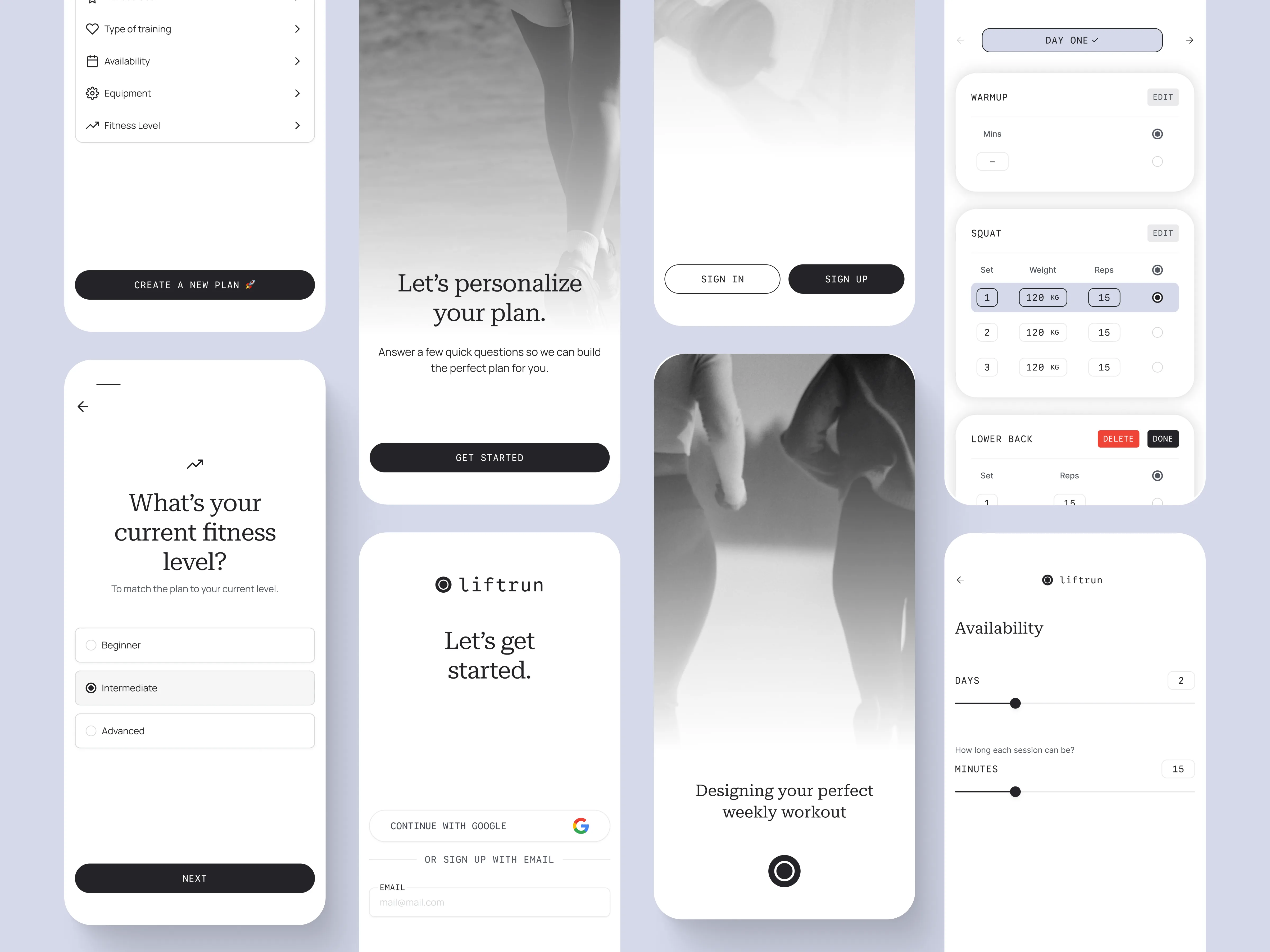
The flow starts with the details that change a plan: fitness goal, training preference, days and session length, equipment, and experience. AI then drafts a schedule the user can inspect and edit. This is a product concept, so the screens show the proposed experience rather than a launched service or measured results.
The system behind Liftrun
A small system with a loud accent
Liftrun keeps the interface quiet so the plan can do the work: warm white screens, soft lilac surfaces, charcoal actions, and a circular mark that feels more like a starting point than a badge. The system balances an editorial voice with practical training data.
Logo


App icon
Palette — light & dark
Core
Type
Let’s get started.
Editorial serif
Questions, onboarding headlines, and moments of focus
DAY ONE · 3 SETS · 15 REPS
System sans + mono labels
Controls, workout data, navigation, and actions